Bring your notes
Open Lectures & notes, choose New lecture, and enter the course, title, date, and notes. Paste text or import a PDF. For PDFs, review the source pages and accept the pages you want to use before saving.
REVIEW YOUR NOTES · TRY AN EXPLANATION
Choose an idea from your notes, explain how it works, and try using it in a different situation.
A practical guide from Nevel Trade Inc. · Parlor Study web preview
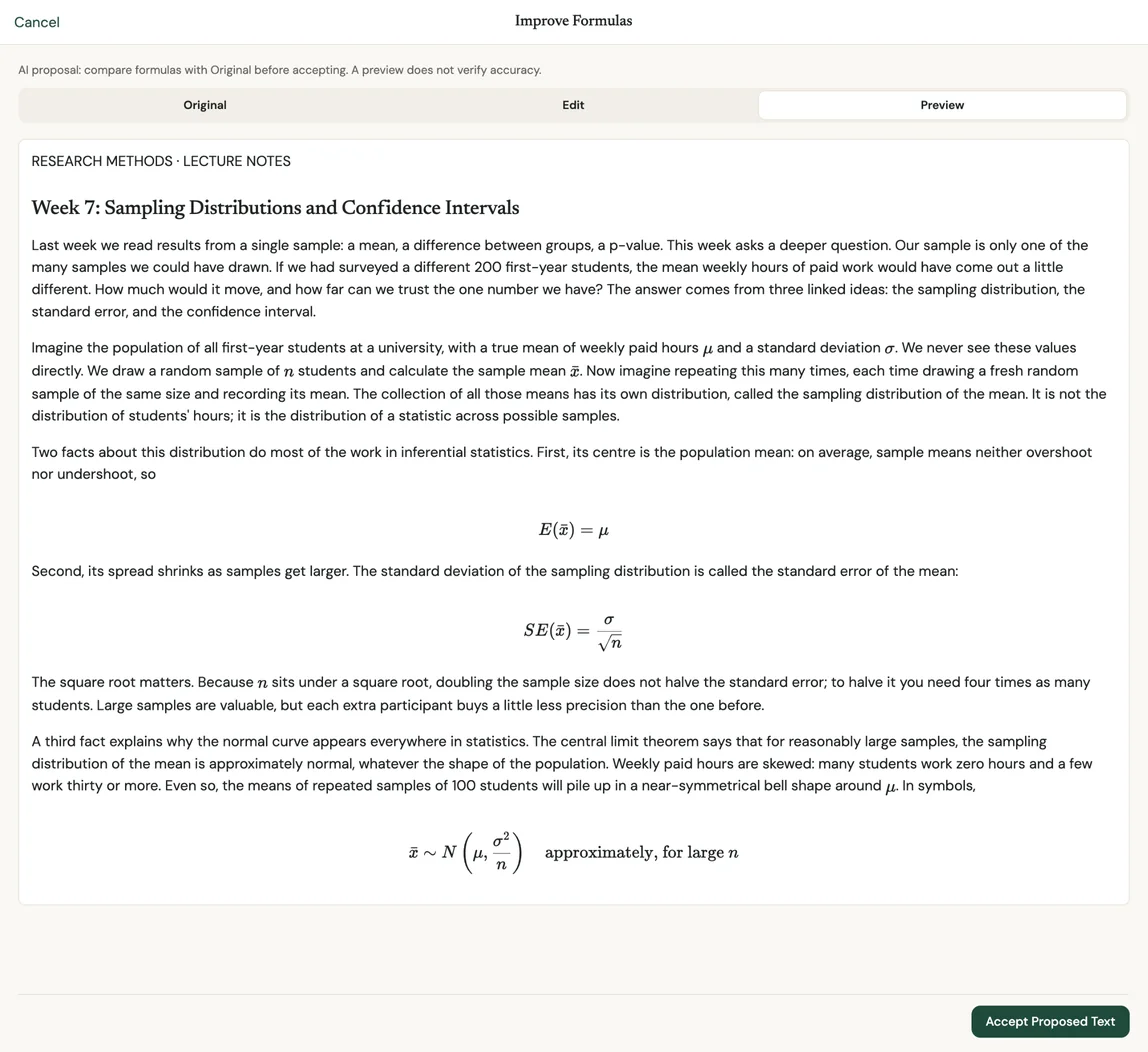
A question is only useful if the material behind it is clear enough to support an answer. Before practicing, check definitions, missing context, and examples in your notes. For PDFs, compare extracted text with the original—especially formulas, scanned pages, and diagrams.
Then choose a manageable section. Ask yourself two different questions: “Can I explain this idea?” and “Can I use it?”
TRY IT HERE · NO ACCOUNT NEEDED
An illustrative note and worked answers written for this guide; actual app questions vary with your source.
Opportunity cost is the value of the next-best alternative you give up when you make a choice. It is not the sum of all possible alternatives. A choice can have an opportunity cost even when no money changes hands.
Why can a decision cost you something even when it is free?
A choice can use time or another limited resource. Spending an hour on one activity means giving up the best alternative use of that hour. The opportunity cost is the value of that forgone alternative, even if neither activity has a price.
You have one free hour. Your first choice is to review lecture notes. If you did not study, your next-best choice would be to take a walk; watching a show is your third choice. What is the opportunity cost of studying?
It is the value of the walk you give up, because that is your next-best alternative. It is not the combined value of the walk and the show. The note does not give a money value for either activity, so a numerical answer would add information we do not have.
If your first answer added every alternative together, use the words “next-best” in the note to explain the correction. A revised explanation shows how you responded to help; it does not erase the original misunderstanding.
Open Lectures & notes, choose New lecture, and enter the course, title, date, and notes. Paste text or import a PDF. For PDFs, review the source pages and accept the pages you want to use before saving.
Open the section’s practice workspace. Explain it back asks you to explain an idea from the notes; Apply a concept asks you to use one. Request a question, write your answer, and use the feedback action shown in the app.
Switch between Notes and Practice to examine the source. Use Revise my answer when feedback identifies something worth reconsidering. Earlier saved questions remain available under Questions in this section.
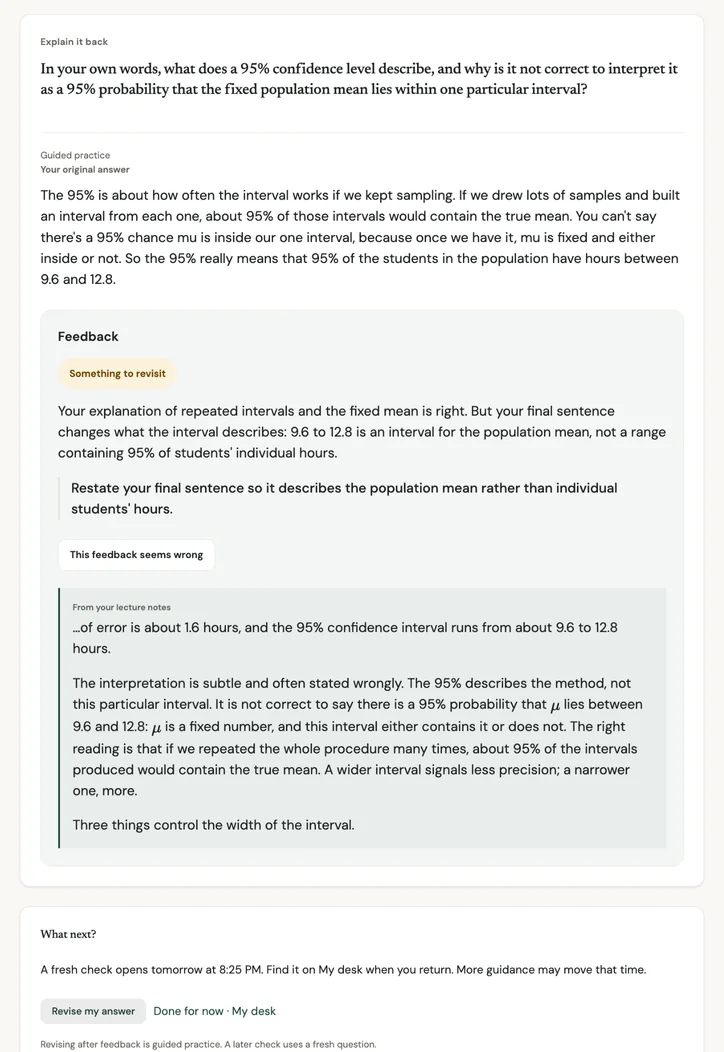
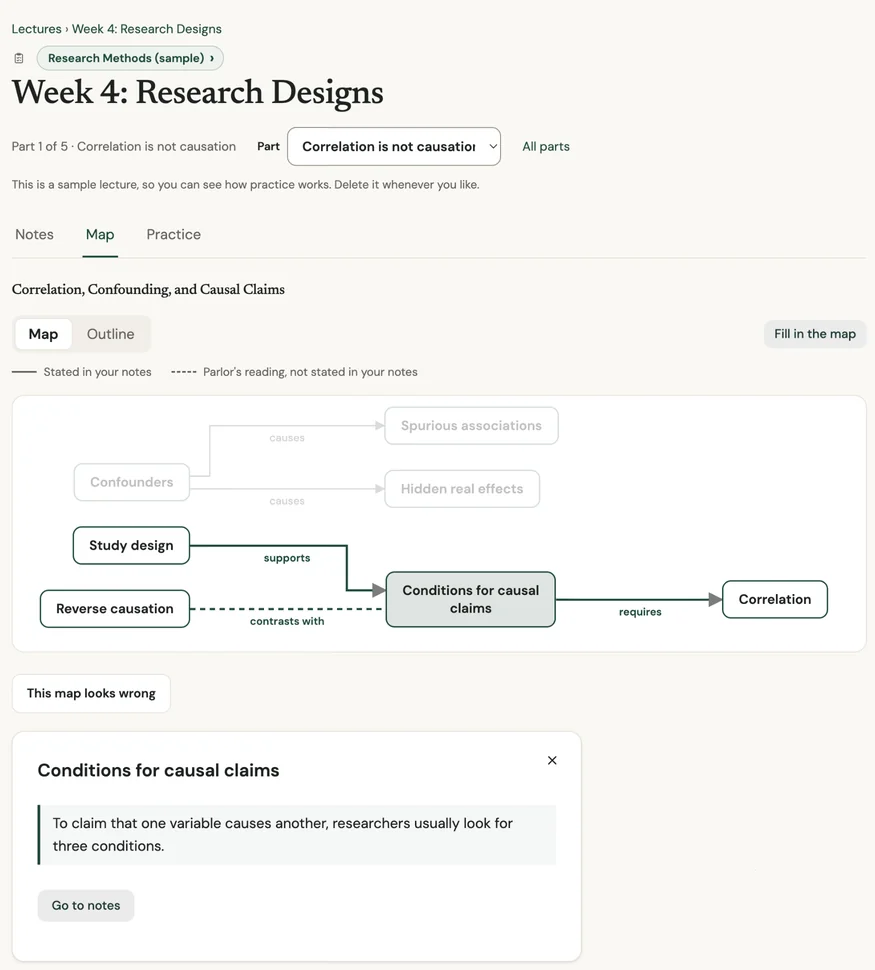
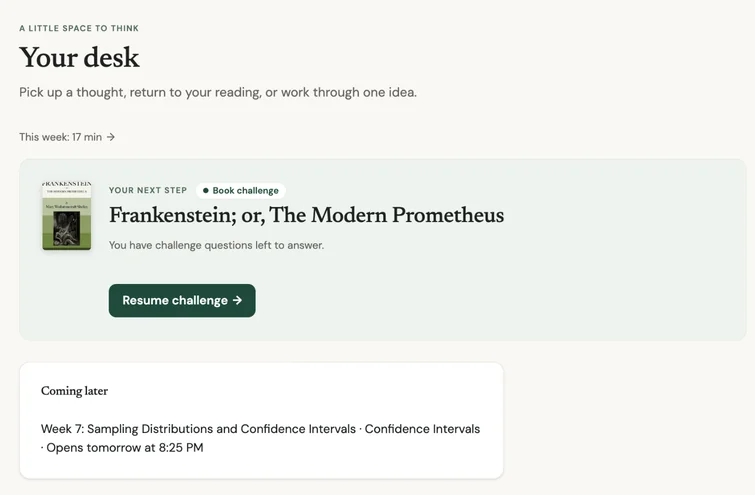
Screenshots from the Parlor Study web app, October 2026, using a demo account. AI feedback can be wrong.
If Parlor reports insufficient source, the notes may not support a reliable question or response. Add the missing context or correct the source before continuing. That message is not a judgment of your understanding.
The optional Improve Formulas feature can propose a transcription from a lecture page image after you agree to share it with OpenAI. Review the proposal before accepting it. Keep the original PDF separately; the saved web lecture is not a permanent copy of that file.
AI feedback can be wrong. Check it against the notes and course guidance, and wait for save confirmation before leaving. Some unfinished drafts remain in the current browser; read the saving and privacy FAQ for more.
The web preview is available by invitation, for ages 13 and up.